Article
Website Speed for Accounting Firms
Most accounting firm sites are slow for four reasons, and none of them are the ones people worry about. Here is what to measure and what to fix first.
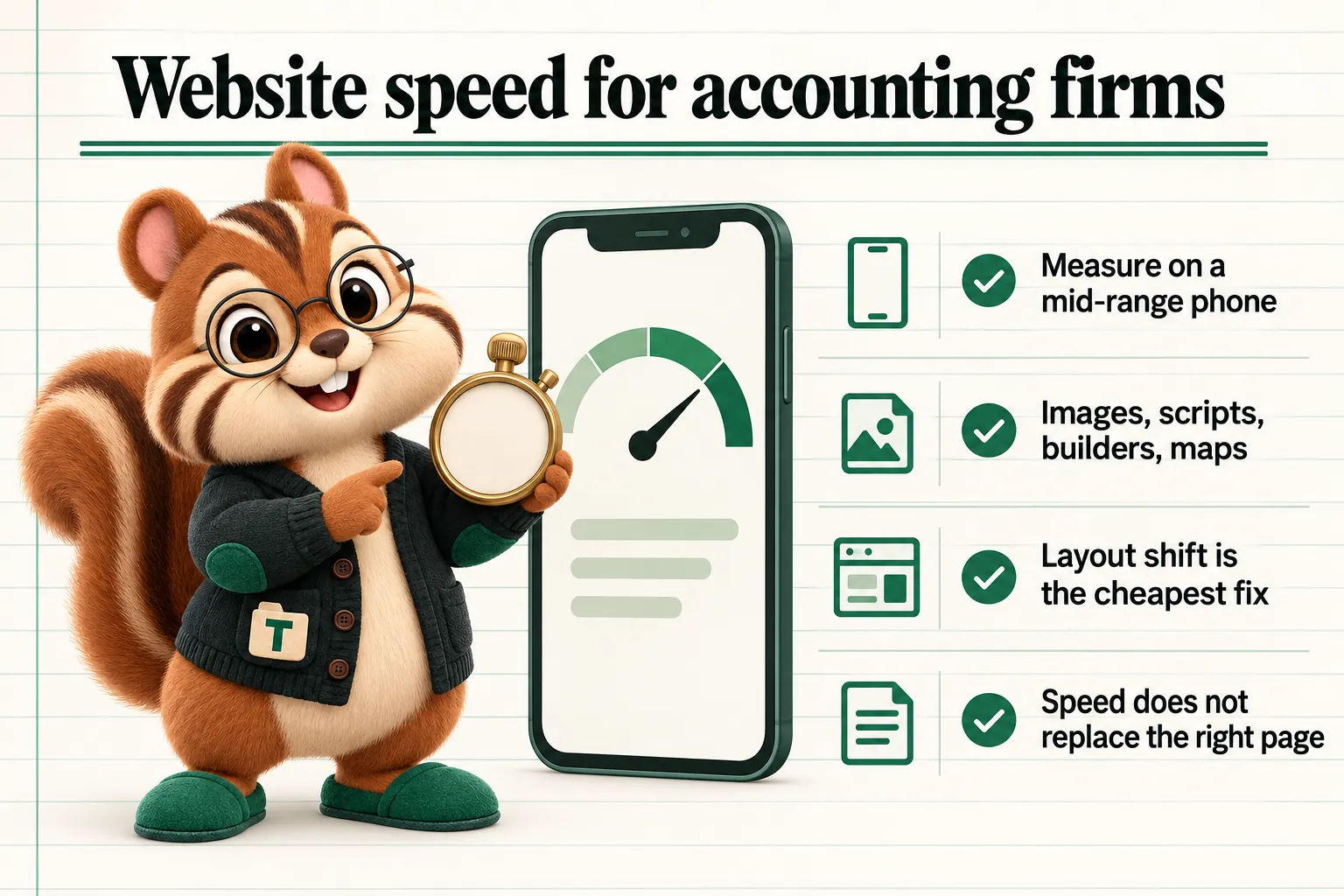
Speed is the most over-discussed and least understood part of a professional services website. Firms are told their site needs to be fast, they run a test, they get a score, and then nobody can say what to do about it. Meanwhile the actual causes of slowness on accounting firm sites are boringly consistent, and there are only about four of them.
This article is about those four, what to measure instead of a single score, and the order in which fixing things actually helps.
Measure the Right Thing
A single performance score is a summary, and summaries hide the actions. The three measurements underneath it are the ones worth understanding, and each maps to something a visitor actually experiences.
Largest Contentful Paint is how long it takes for the main thing on the page to appear. On an accounting firm’s page that is usually the headline or the hero image. Until it appears, the visitor is looking at a blank or half drawn page and deciding whether to wait.
Cumulative Layout Shift is how much the page moves around while it is loading. This is the one that produces genuine irritation: a visitor goes to tap a link, a banner or a late loading image pushes the content down, and they tap something else.
Interaction to Next Paint is how quickly the page responds when somebody interacts with it. On most firm sites this only becomes a problem when heavy scripts are competing for the main thread, which is exactly what a stack of third-party widgets does.
Google’s documentation on the Core Web Vitals publishes the thresholds for each, and the reason to work from these rather than from a composite score is that each one points at a different cause with a different fix.
Test on the Device Your Clients Use
The single most common measurement mistake is testing on a fast desktop on office broadband. That environment hides nearly everything.
Test on a mid-range phone on a normal mobile connection. A meaningful share of visits to an accounting firm’s site happen on a phone, often during a gap in someone’s day, and often on a connection that is not good. The experience on that device is the one that determines whether the visitor stays.
The Four Things That Are Actually Slow
Images Nobody Resized
This is the largest single cause on professional services sites and the easiest to fix. A photograph taken on a modern phone or supplied by a photographer is enormous. Uploaded directly, it will be delivered at full size and scaled down by the browser, which means the visitor downloads several megabytes to see something a fraction of the size.
The fixes, in order of value:
- Serve images at the size they are actually displayed, and provide a larger version only for screens that need it.
- Use a modern format. Contemporary formats deliver the same visual quality at substantially smaller sizes than older ones.
- Set explicit width and height so the browser reserves the right space before the image arrives. This costs nothing and removes a common source of layout shift.
- Load images below the fold lazily, so they arrive when needed rather than competing with the content at the top of the page.
- Do not lazy load the main image at the top of the page. That is the one measurement is waiting for.
Team photographs deserve a specific mention, because a firm page with fifteen portraits at full resolution is one of the heaviest pages most practices have, and it is also a page people genuinely want to look at.
Third-Party Scripts
Chat widgets, analytics, tag managers, tracking pixels, review badges, booking embeds, font services, and whatever was added for a campaign three years ago and never removed. Each one is code from someone else’s server that has to be fetched and executed.
Two questions settle most of them. Is anyone using it? And does it need to load before the page is usable?
Most of what accumulates on a firm site fails the first question. Of what survives, almost all can fail the second: a chat widget does not need to be present before the visitor has read anything, and loading it once the page is usable costs nothing in practice.
An audit worth doing once a year: list every third-party script on the site, name the person who asked for it, and name what it is for. Anything without both a person and a purpose comes off.
Builder and Theme Overhead
A page built on a general purpose builder ships the code required for everything the builder can do, not only the parts the page uses. A theme adds another layer, plugins add more, and a page that displays three paragraphs and a form arrives with a framework, a slider library, an icon set and several stylesheets.
This is the hardest of the four to fix incrementally, because it is structural. Removing individual plugins helps at the margin, but a site whose baseline includes several hundred kilobytes of code before any content has loaded is starting every page at a disadvantage.
It is also the reason we build the sites we manage as hand written pages rather than assembling them from a builder. A page that ships almost no script starts with nothing to optimise away.
The Map and the Video
The two embeds most likely to be loading eagerly on an accounting firm’s site are a map on the contact page and a video on the homepage. Both are heavy, and both are usually below the point where the visitor starts reading.
The pattern that works for both is the same: show a lightweight placeholder, a static map image or a video poster frame, and load the real embed when the visitor interacts with it or when it comes into view. The MDN reference on lazy loading covers the mechanics. The practical effect on a contact page is often dramatic, because the map is frequently the single largest thing on it.
Layout Shift Is the Underrated One
Load time gets the attention, but layout shift causes more visible annoyance per occurrence, and it is usually cheaper to fix.
The common causes on firm sites are all predictable:
- Images without dimensions, so space is reserved only once they arrive.
- Web fonts swapping in and changing the size of text that has already been drawn.
- Cookie banners and notification bars inserted at the top of the page after the content has rendered.
- Chat widgets and badges appearing over content.
- Anything injected by a script after the first paint.
Each has a standard remedy: dimensions on images, sensible font loading with a matched fallback, banners that occupy their space from the start or overlay rather than push, and reserved space for anything that will be inserted later.
A cookie banner that pushes the entire page down half a second after it renders is the most common single source of layout shift on professional services sites, and it is entirely avoidable.
Speed Is Not a Content Strategy
It is worth being clear about what speed does and does not do.
Page experience signals are part of how pages are evaluated, and a page that is slow and frustrating on a phone is at a disadvantage. But a fast page about the wrong subject does not outrank a slower page that genuinely answers the question. Google’s own guidance on helpful content describes relevance and usefulness as the substance of the evaluation, and speed as part of the experience around it.
The practical framing: speed is a floor, not a lever. Getting a site from slow to fast removes a handicap and makes everything else work better. It does not substitute for having a page about the thing people are searching for, which is why the structural work described in our article on structuring a multi-service firm site matters more than any individual optimisation.
Field Data Beats Lab Data
There are two kinds of speed measurement and firms routinely confuse them.
A lab test loads the page once, in a controlled environment, on simulated hardware. It is repeatable, it is available on demand, and it is excellent for diagnosis: it will tell you exactly which image is too large and which script blocked rendering.
Field data is what actually happened to real visitors on their own devices and connections. It is slower to accumulate, it cannot be run on demand, and it is the version that reflects reality. A site can score well in a lab test and still be slow for a meaningful share of visitors, usually because those visitors are on older phones or poorer connections than the test assumed.
Use both, for different jobs. Lab tests to find the cause of a problem and to check a fix. Field data to decide whether there is a problem worth fixing at all. A firm whose field data is comfortably within the thresholds does not need to spend another afternoon chasing a lab score, whatever the number says.
The mistake to avoid is optimising for the test. A site that has been tuned until a particular tool reports a high number, without the underlying experience changing, has spent real effort on nothing. The measurement exists to describe the experience, not the other way round.
What Speed Means for a Seasonal Practice
Accounting sites have a pattern most local business sites do not, which is that their busiest period is also their most impatient one. The visitor arriving during the rush is frequently under time pressure, frequently on a phone, and frequently comparing two or three firms in quick succession. The tolerance for a slow page is lower than it is at any other point in the year.
That has a practical consequence for when performance work should happen. The site needs to be fast before the busy period rather than during it, which puts this work in the quiet months alongside the rest of the structural work, as described in our article on publishing around the seasonal shape.
It also means the pages that carry the busy period deserve attention first. The document checklist, the contact page, the booking page and the main service pages matter more in those weeks than the about page does. If the practice only has the appetite to fix a handful of pages, fix those.
One more seasonal detail worth knowing: anything the firm adds temporarily for the busy period, a notice bar, a seasonal banner, a countdown, a campaign pixel, is being added at exactly the moment when performance matters most, and is the most likely thing to introduce layout shift. Whatever gets added for the season should be built to reserve its own space, and should be removed afterwards rather than left in place for a year.
Accessibility and Speed Pull in the Same Direction
A useful thing about most performance work is that it improves accessibility at the same time, because both are fundamentally about a page being predictable and usable in conditions the designer did not control.
Setting image dimensions removes layout shift and also stops content moving under someone using a screen magnifier. Loading fewer scripts reduces the chance of interactive elements becoming unresponsive. Serving readable text rather than text inside an image is both faster and readable by assistive technology. Reserving space for a cookie banner stops it appearing over the thing someone was about to activate.
The overlap is close enough that a firm auditing one may as well audit the other. The two questions to ask of any page are whether it is usable on a mid-range phone on a poor connection, and whether it is usable by keyboard alone. A page that passes both is, in almost every case, a well built page by any other measure too.
Who Owns This
The last question, and the one that determines whether any of the above happens, is who is responsible for the site being fast next year.
On most firm websites the honest answer is nobody. The site was built by an agency that finished the project, it is maintained by whoever in the practice is most comfortable with the login, and performance is an occasional topic rather than an ongoing responsibility. That arrangement produces the pattern described above, where a site is fast on launch day and slower every month afterwards.
Making it somebody’s job does not require a specialist. It requires one named person who checks a measurement on a schedule, who is asked before a new script goes on the site, and who has the authority to say no to a two megabyte photograph. In a practice, that person is usually whoever already owns the website relationship. What they need is not technical knowledge but a short checklist and permission to enforce it.
What to Fix First
For a typical accounting firm site that has never been looked at, the order that produces the most improvement for the least effort:
- Resize and reformat the images, starting with the homepage hero and the team page.
- Set dimensions on every image, which removes most layout shift at the same time.
- Remove the third-party scripts nobody can account for.
- Defer the ones that survive so they load after the page is usable.
- Make the map and any video load on demand.
- Fix the cookie banner so it reserves its space or overlays.
- Re-measure on a phone, and only then consider anything structural.
Steps one to three usually account for most of the available improvement and can be done in an afternoon by whoever maintains the site. Step seven is where a firm finds out whether the remaining problem is the platform itself, which is a different and larger conversation.
Keeping It Fast
Sites do not stay fast on their own. They get slower one upload at a time: a new team member’s photograph at full resolution, a tracking pixel for a campaign, a badge from a directory, a plugin someone installed to solve a small problem.
What keeps a site fast is a small amount of discipline about what goes onto it. A stated maximum size for uploaded images. A rule that a new third-party script needs a named owner. A check after anything is added. And a measurement taken on a schedule rather than only when somebody complains.
On the sites we build and host, that discipline is part of the service rather than a task handed back to the practice, and the speed guarantee we publish exists because it is only meaningful if somebody is responsible for maintaining it after launch. A number measured on the day a site goes live and never checked again tells nobody anything.
Sources
Frequently asked questions
Does site speed affect where an accounting firm ranks?
Page experience signals including the Core Web Vitals are part of how Google evaluates pages, but they are not a substitute for relevance. A fast page about the wrong thing will not outrank a slower page that answers the question. Speed is best understood as removing a disadvantage rather than as a ranking strategy.
What is a realistic target for an accounting firm's site?
The Core Web Vitals thresholds published by Google are the useful target, measured on a mid-range phone on a normal connection rather than on an office desktop. Testing on the hardware the firm's clients actually use is the part that most often gets skipped.
What usually makes a firm's website slow?
In practice it is nearly always one of four things: oversized images, third-party scripts such as chat widgets and trackers, heavy page builder frameworks, or an embedded map or video loading on page load rather than on demand.
Is a page builder always slower than a custom-coded site?
Not always, but a builder ships code for every feature it might need rather than only the features a page uses, so it starts at a disadvantage that has to be actively managed. A hand-built page has no such overhead to begin with.
Should we remove our chat widget to make the site faster?
Not necessarily, but it should be measured. Load it after the page is usable rather than during the initial load, and check what it actually costs. A widget that delays the first meaningful paint on a phone is costing more than it returns if nobody uses it.
Closing entry
Want a site built the way this article describes?
A live, 30-minute walk-through of the site GetAccountingWebsite would build for your firm.